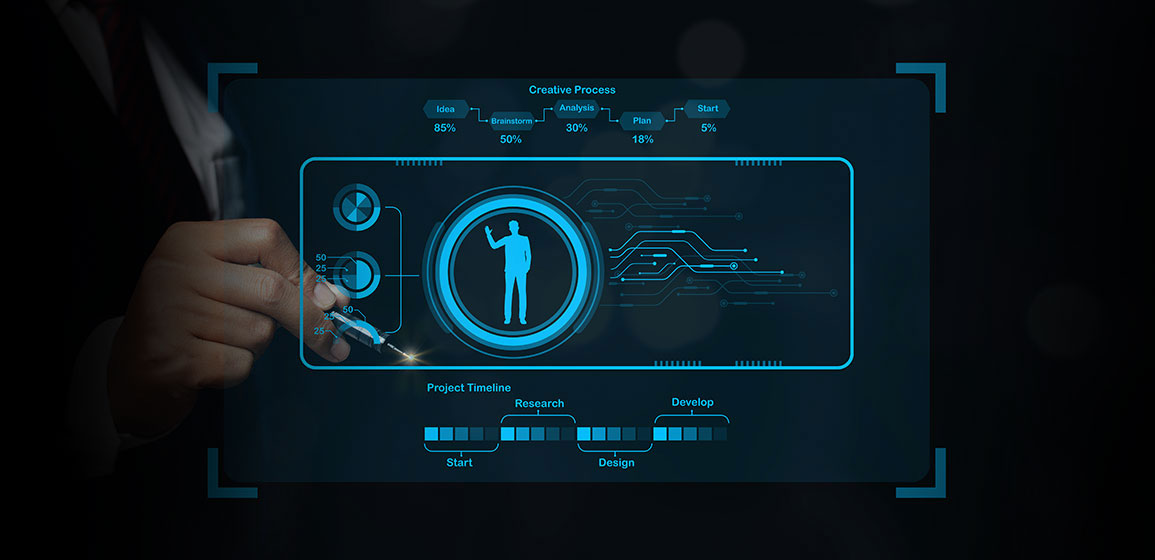
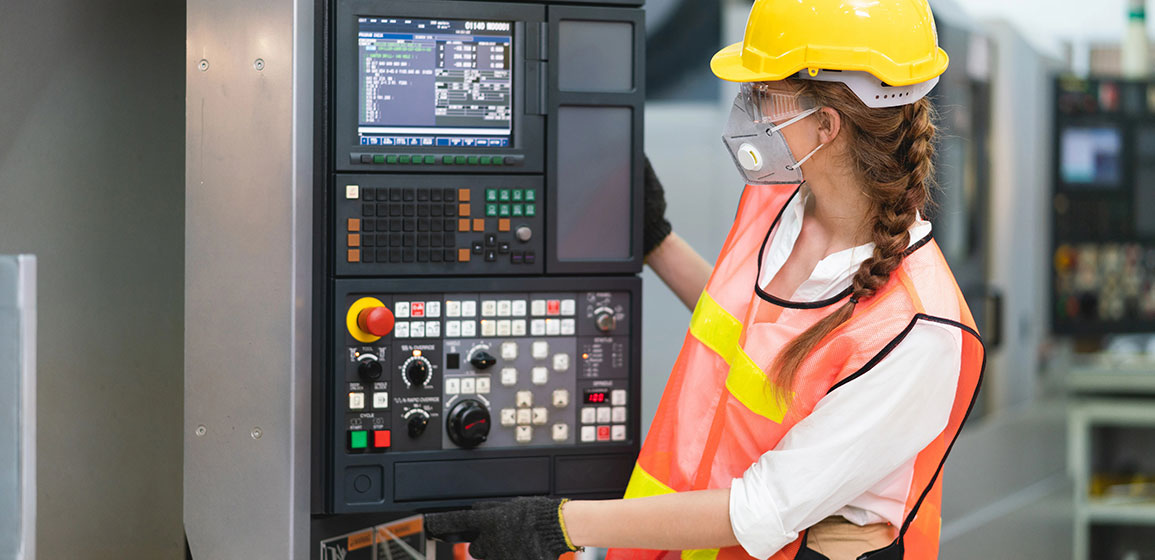
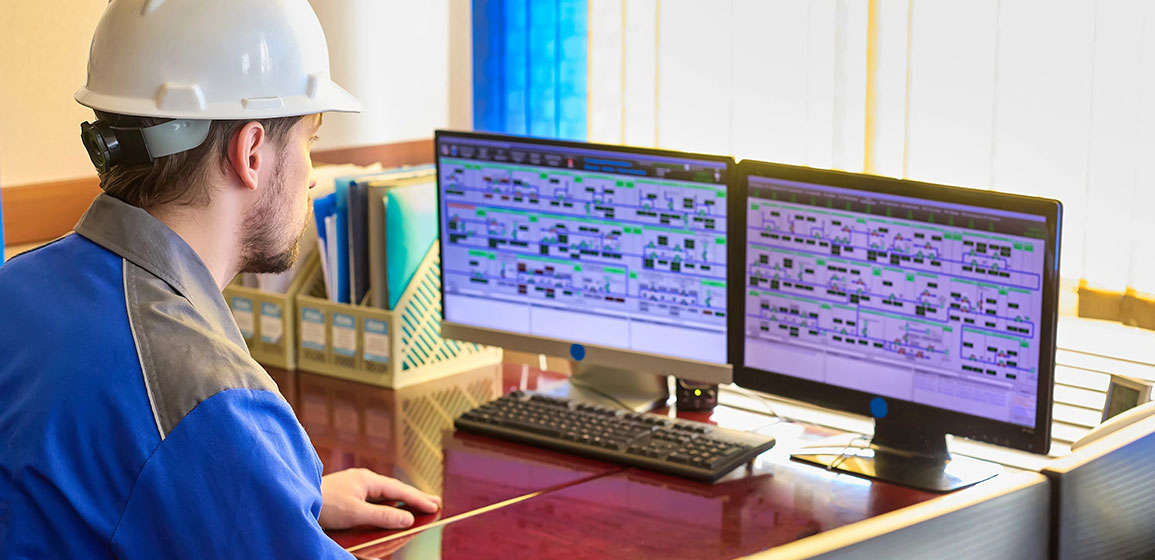
The Human Machine Interface (HMI) is a graphical interface usually a touchscreen, monitor, or software dashboard that enables operators to interact with machines, control systems, or processes.
It displays real-time data, such as temperature, pressure, motor speed, and production count, and allows operators to send commands like starting or stopping machines, changing setpoints, or acknowledging alarms.
In simple words, HMI is the visual control panel through which humans “communicate” with machines.
Where HMI Is Used
HMI systems are found in nearly every industrial and commercial automation environment.Below are the most common applications and examples:
1. Manufacturing Plants:
Used to monitor and control production lines, robotic arms, and conveyor systems. Operators can visualize the complete process, identify machine faults, and make real-time adjustments for better productivity.
2. Power Plants:
In power generation or distribution, HMIs display system parameters such as voltage, current, and turbine speed.
3. Water and Wastewater Treatment:
HMIs are used to monitor tank levels, control pumps, regulate flow rates, and adjust chemical dosing automatically.
4. Building Automation:
In large buildings, HMIs manage air conditioning, lighting, and elevator systems. Facility managers can monitor energy usage and control devices from a central dashboard.
Components of an HMI System
A typical HMI system consists of the following components:
Hardware
The hardware part includes touchscreen panels, industrial monitors, control keyboards, or even computers. These devices display process information and receive user input.
Software
The software component runs inside the HMI hardware or a connected computer. It defines the layout of screens, buttons, alarms, and graphics.
Communication Interface
HMI connects to controllers like PLCs (Programmable Logic Controllers) or SCADA systems via industrial communication protocols (e.g., Modbus, Profibus, Ethernet/IP).
HMI Programming
Typical HMI Programming / Configuration Tools
Siemens WinCC / WinCC OA
Used for creating operator screens, alarms, and tag communication with Siemens PLCs.
Allen-Bradley FactoryTalk View (ME/SE)
Rockwell’s HMI software for designing interactive displays and process visualization.